
Complete occupational safety in your browser
The web app is the control centre of AMS Go: safety specialists and managers plan, manage documents, track actions and keep every site in view – on any computer, without installation, always up to date.
- No installation
- All sites in one account
- Roles and permissions per user
- Hosted in Germany

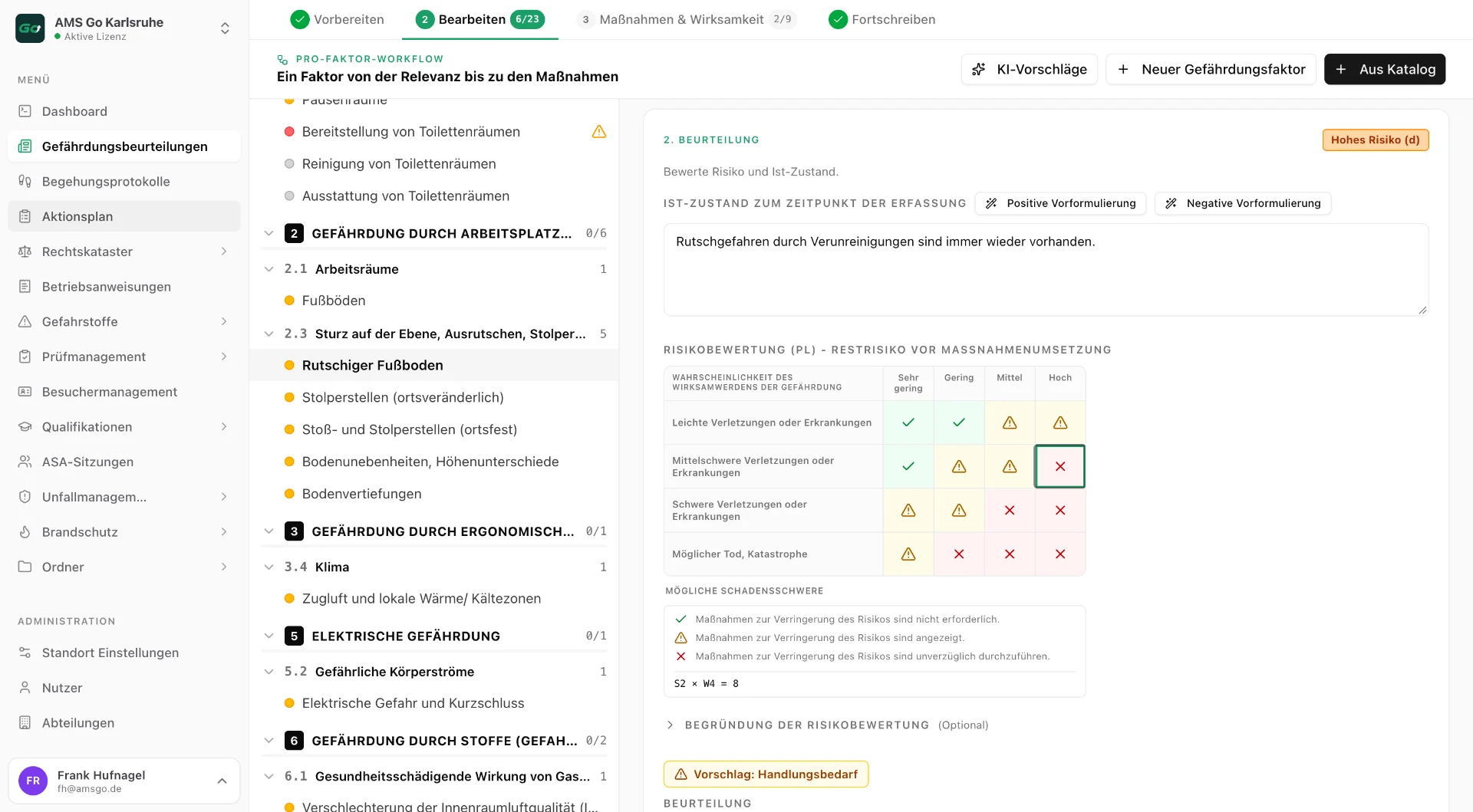
One dashboard, every site
If you look after several plants, branches or construction sites you do not need a binder per site but an overview: what is open, what is due, where is it stuck? The web app dashboard shows exactly that – per site or in total, switched with one click.
Every figure leads to the detail: from the overdue test to the equipment, from the open action to the inspection it came from. The overview turns into action immediately.
Everything you need – right in your browser
The complete AMS Go software as a web app: manage documents, coordinate tasks and control all modules conveniently from any computer – no installation required.
Central dashboard & overview
All important information at a glance: tasks, open items in the action plan and quick access to every feature.
Complete document management
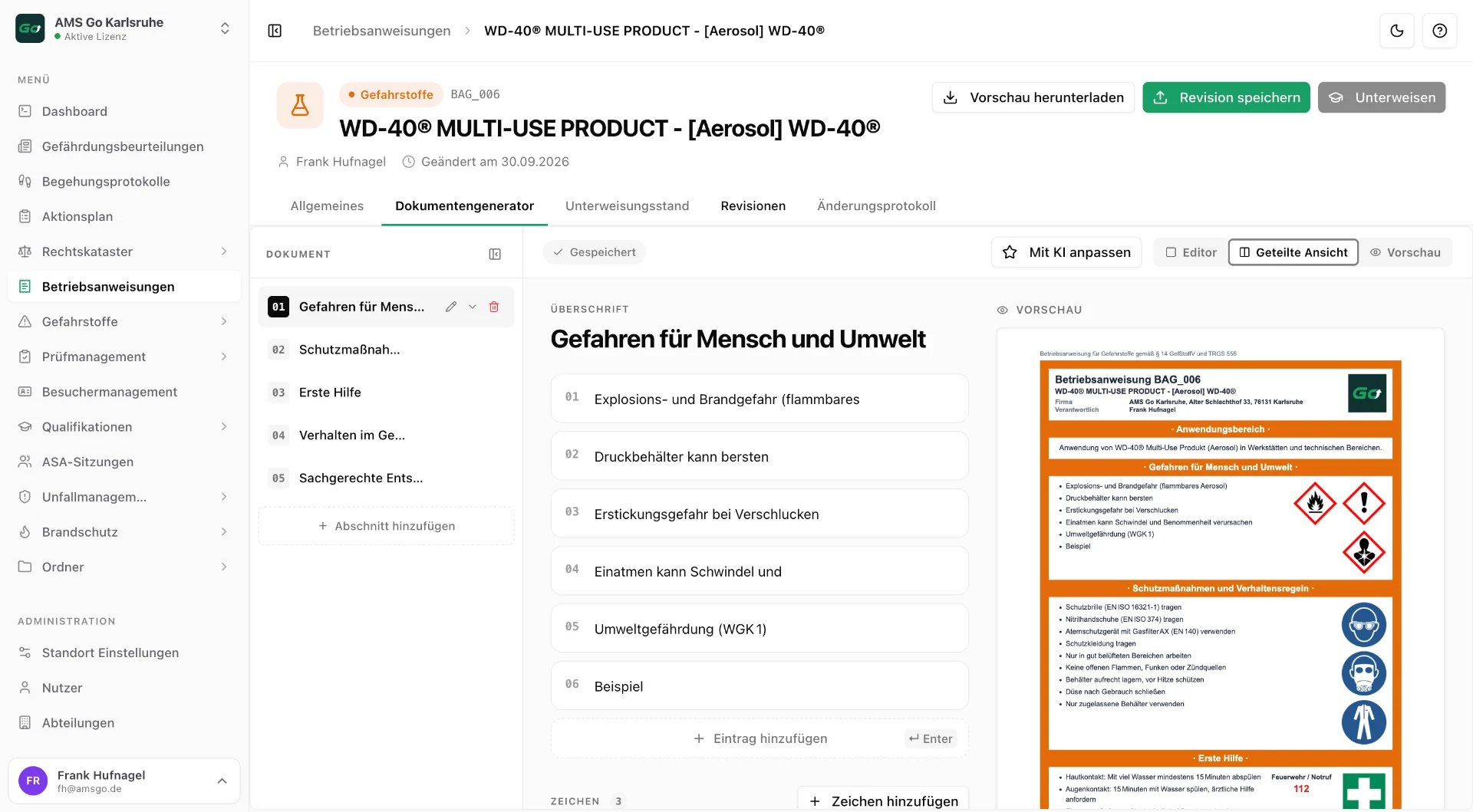
Manage folder structures, upload and version documents and share them centrally – all in the web app.
Collaboration & administration
Manage users, organize departments and coordinate tasks in the action plan across teams.
How it works
- 1
Sign in and choose a site
Log in with a password or single sign-on with your company account. With several sites you choose at the top what you want to see – or everything together.
- 2
Read the dashboard
Open actions, due tests, state of briefings and the latest inspections at a glance. Red and yellow markers show where something needs doing.
- 3
Work in the modules
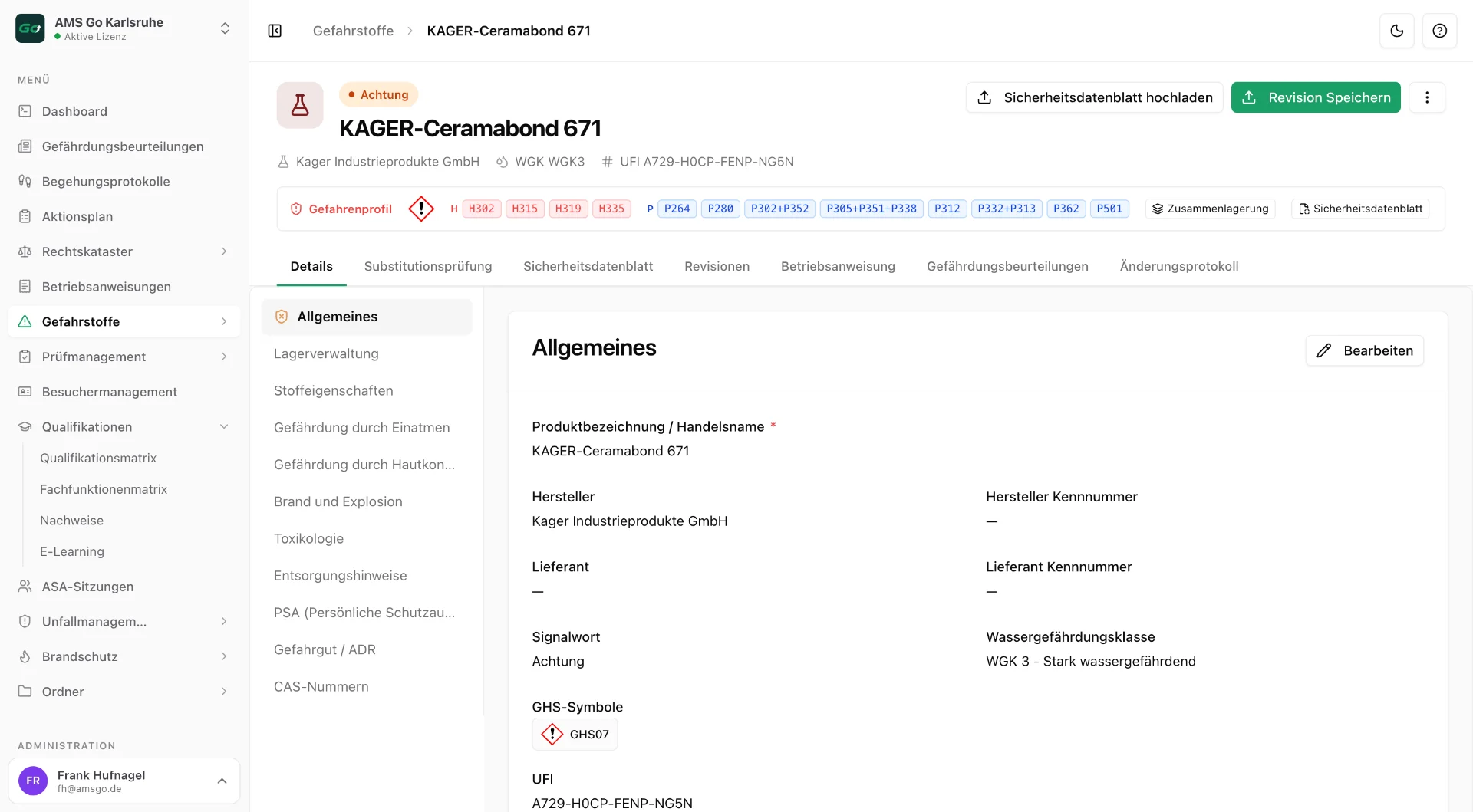
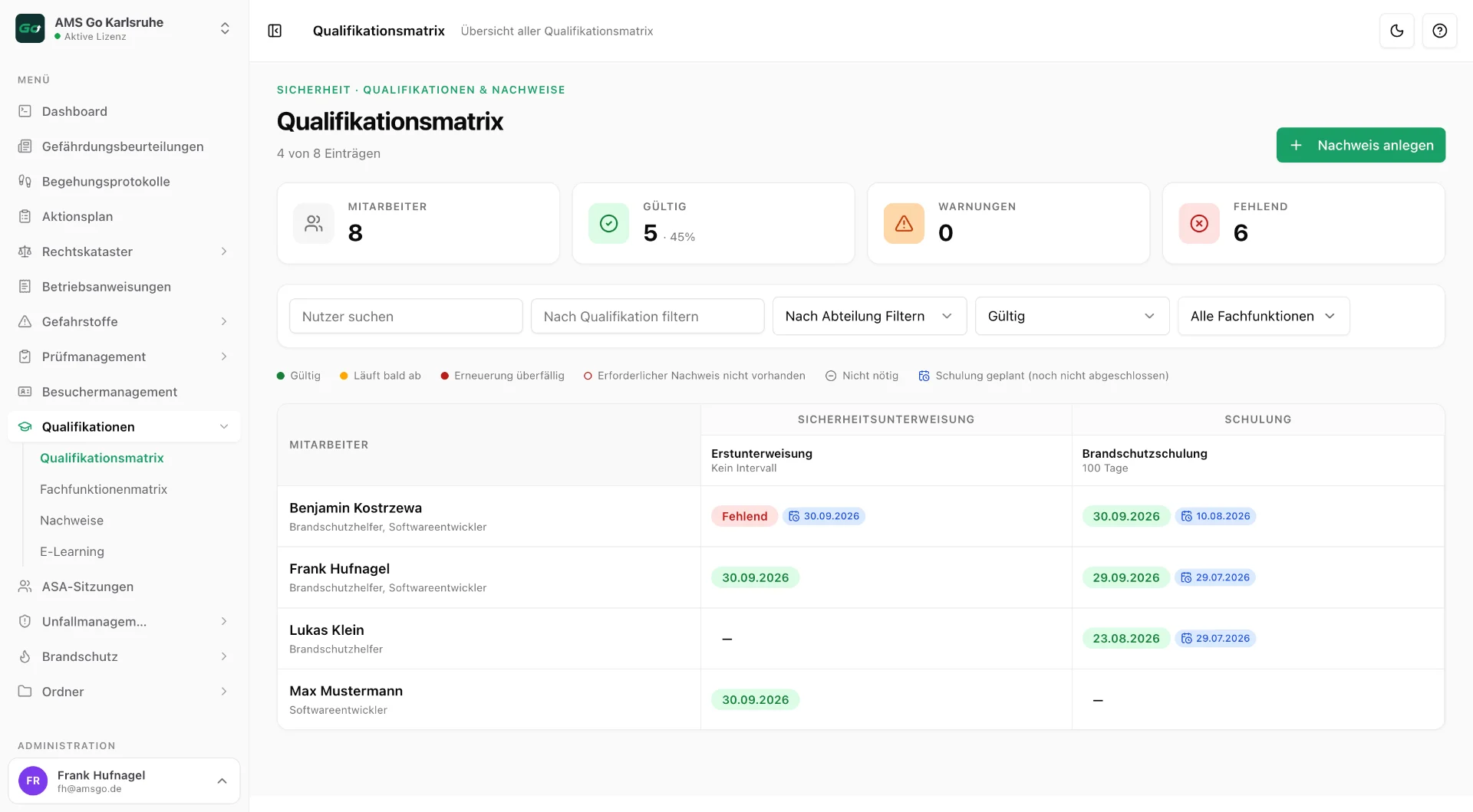
Edit risk assessments, approve operating instructions, record tests, plan briefings – every module is a page in the web app.
- 4
Export records
Every list and document as PDF or Excel – for audits, authorities, insurers or management.
Technical details
- Browser
- Current versions of Chrome, Edge, Firefox and Safari – on Windows, macOS and Linux
- Installation
- None; updates are rolled out automatically
- Hosting
- IONOS, ISO-certified data centres in Germany; on-premise on request
- Security
- Encrypted in transit and at rest, roles and permissions, single sign-on
- Tenants
- Any number of sites and departments in one account
- Export
- PDF and Excel for all lists and documents, REST API for systems
Frequently asked questions
Do I need to install anything for the web app?
No. The web app runs in any current browser. We roll out updates without you having to do anything – everyone always works with the same, current version.
Can several people work at the same time?
Yes. All users work on the same data. Roles and permissions define who may see and change what – for example managers only their area, the safety specialist all sites.
How many users are included?
That depends on the plan: Basic is for one person, Pro includes up to 10 users with user management, Enterprise up to 250 employees per site. Details are on the pricing page.
Does the web app work on a tablet?
Yes, the interface adapts. For work in the hall or on site we recommend the mobile app – it also works without network coverage.
Related
Mobile app
Inspect and document on site – offline too.
Learn moreAll modules
Risk assessments, inspection register, action plan and more.
Learn moreSecurity & data protection
Hosting in Germany, encryption, GDPR.
Learn more
More about the software
See it live
In 30 minutes we show you AMS Go with your own examples – no obligation.